
E-commerce listings
Show a product in a clean setting or illustrate how it belongs in everyday life. Explore backgrounds and compositions for product-page imagery.
Claim starter credits
Three ways into a new image
Choose how to begin with Seedream 5.5: describe a picture from scratch, bring a reference that defines the look, or give an existing image a new purpose.
Explore a scene from a written description.
Use a photo or sketch to guide the subject and style.
Revise the background, objects, colors, or mood.
Creative control through words and references
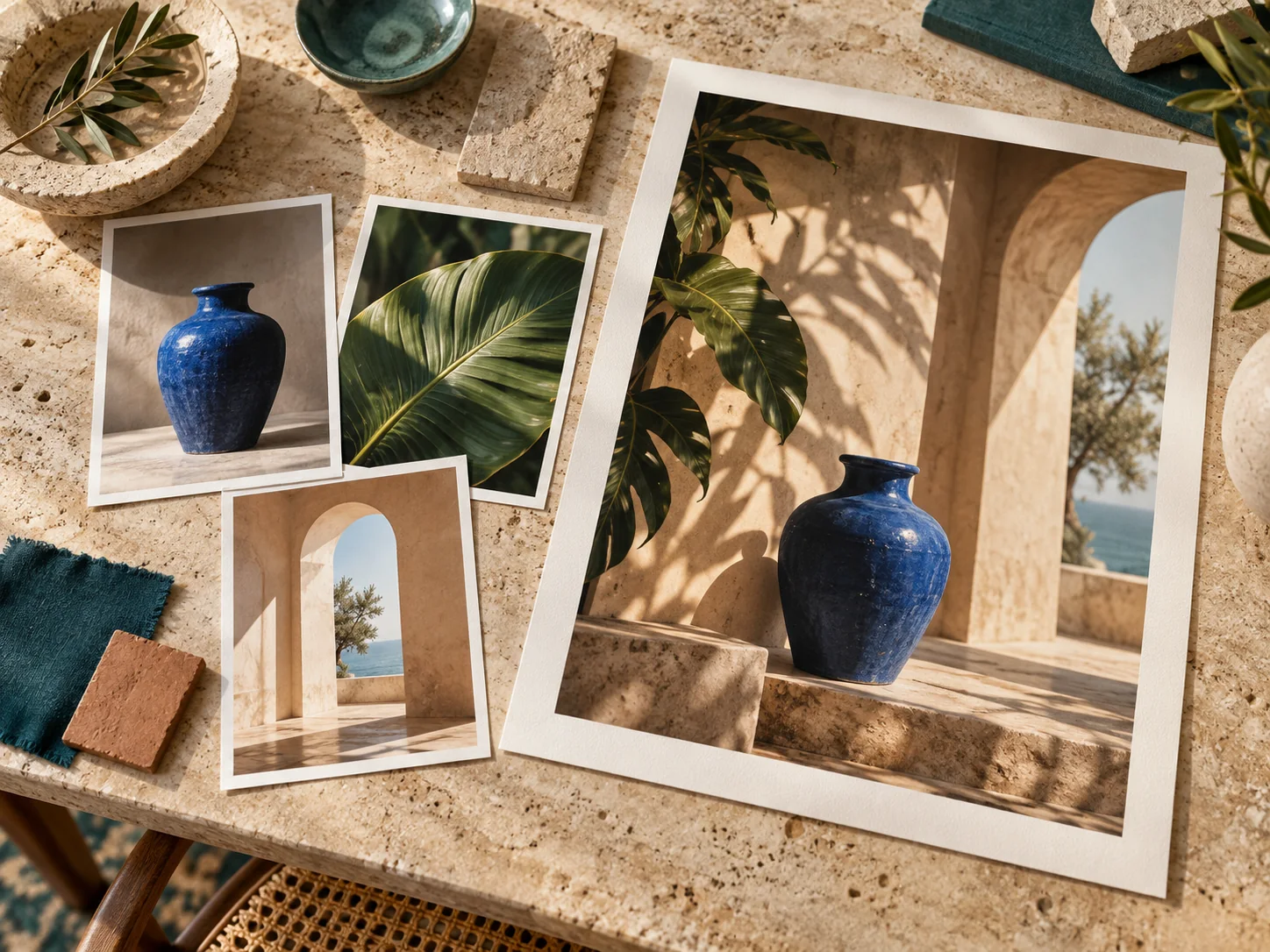
Give a subject, a natural element, and an architectural setting their own references. This creative example brings a cobalt-blue ceramic vase, tropical leaves, and an archway together in one composition, showing how separate visual ideas can form a shared direction.
Build a scene around a subject, an action, and a setting. Create a studio photograph, an editorial illustration, or a stylized concept without starting from an existing image.
Assign a clear role to each reference: the vase supplies the subject and color, the leaves add organic shapes, and the archway defines the setting. Describe how those elements should relate in the final composition.
Replace a backdrop, remove a distracting object, or change a material. Name the area to revise and the features to retain, then develop the image through focused requests.
Bring headlines and illustrations into the same poster or invitation. Supply the wording, describe the hierarchy, and explore layouts for Chinese or English audiences.
Choose soft daylight for a welcoming interior or harder side light to reveal a product texture. Describe reflections, shadows, and materials to give the scene a particular mood.
Plan a close crop for a product detail, an open area for a headline, or a wide view for a cover. Specify the intended format as part of the composition brief.
From a creative request to a useful visual
Use Seedream 5.5 to develop two different kinds of content: visuals that introduce a product and graphics that make information easier to follow. Give each one a clear audience and a concrete message.
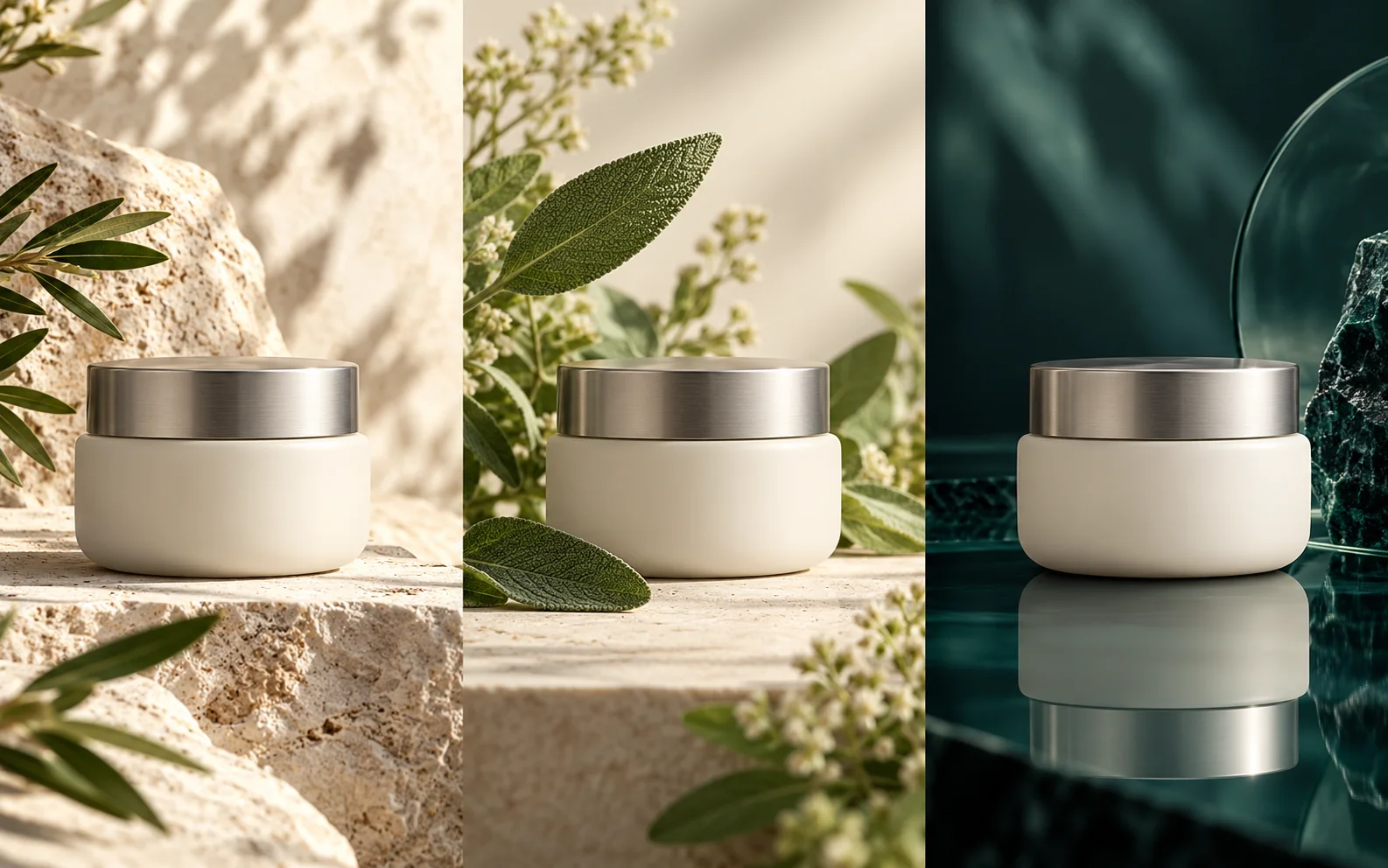
An ivory-white skincare jar with a silver lid anchors these three creative concepts: sunlit stone, a setting with grass and leaves, and deep teal glass. The different surroundings suggest clean warmth, botanical freshness, and a richer evening mood. Use a shared product reference to explore which setting suits your campaign.
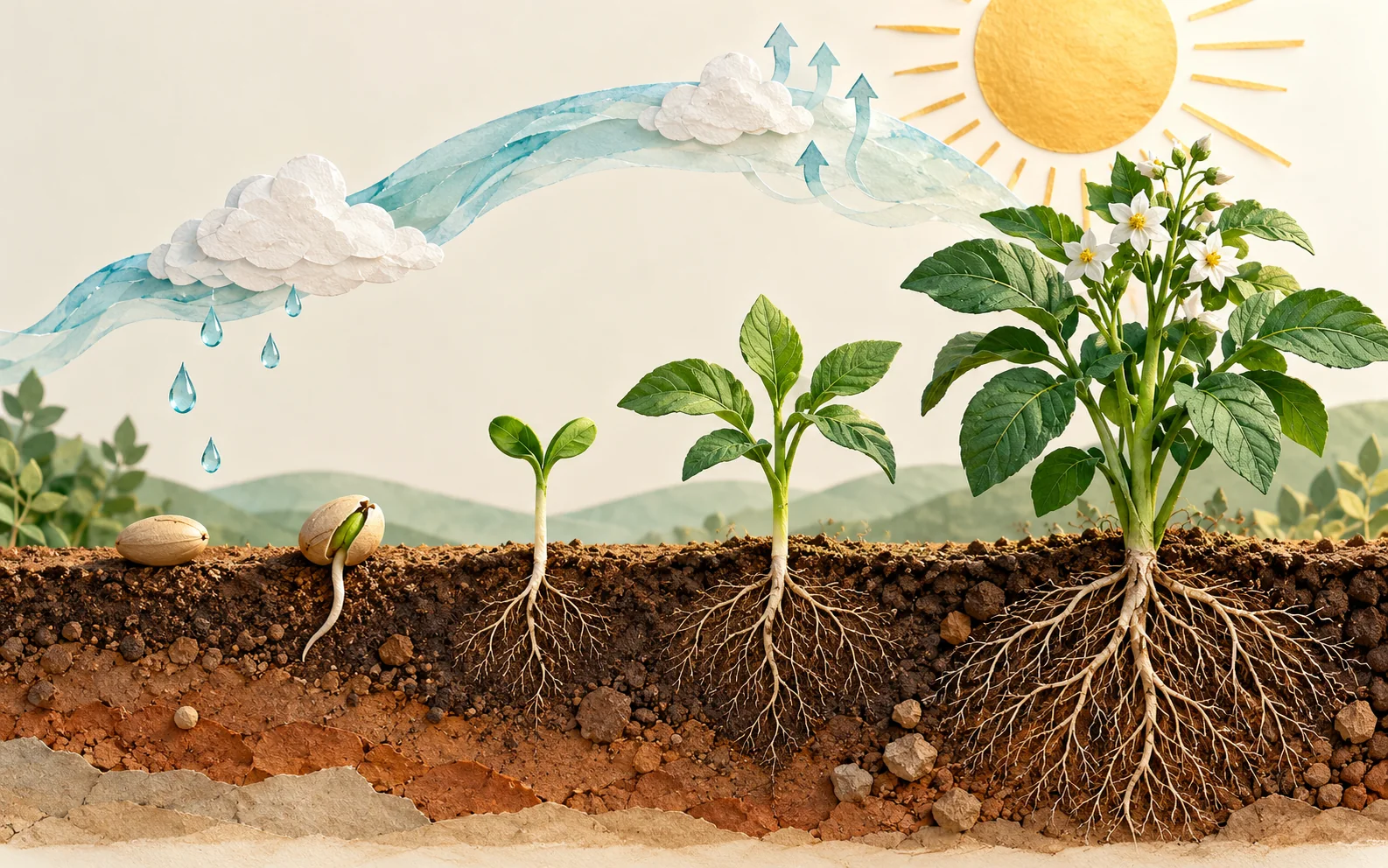
Use an ecological illustration to connect plants, seeds, and their environment. Begin with the relationships you want to explain, then provide the facts and wording for your chosen topic. Develop a visual for a classroom lesson, a presentation, or an article about the natural world.
A practical creation workflow
Use each Seedream 5.5 request to make a creative decision. Start with the overall composition and work toward the details that will matter at the final display size.
Name the subject, audience, and destination. Add a visual style and the main message: a product announcement, a lesson, or a design proposal.
Choose images that explain the product, person, or layout. State what to carry over from each reference and which elements can change.
Choose the strongest direction, then request a specific change to its lighting, setting, or details. Refer back to the image you want to develop.
Review text, subject details, and framing at the size you will use. Save the image that fits your page, presentation, or social post.
Visual work across your day
Prepare something concrete to share with a customer, a colleague, or an audience. Start from the deliverable you need and choose a visual approach that supports it.
Show a product in a clean setting or illustrate how it belongs in everyday life. Explore backgrounds and compositions for product-page imagery.
Develop launch artwork, seasonal promotions, and event graphics. Try different visual treatments around the same message and audience.
Pair your explanation with an illustrated process, a visual comparison, or a concept diagram. Give readers a route through the information.
Explore a label, a graphic motif, or a packaging scene before moving into detailed design. Use the images to discuss color, tone, and composition.
Sketch the key moments of a story and explore a character in different settings. Use shared references to guide clothing, appearance, and atmosphere.
Visualize an interior mood or a page layout from a sketch. Create concept images that help your team discuss placement, materials, and visual hierarchy.
Useful details before you create
Get your references, image text, and revisions ready for a more focused creative session.
Include the subject, setting, style, and intended use. Then add the details that distinguish the image: the light direction, a material, or space for a heading. A product banner brief might specify a bottle on the right and an open background on the left.
Choose a view that clearly shows the features you want to use. For a product, include its silhouette and label; for a room, show the layout. When using several images, explain their roles and say which reference takes priority if their styles differ.
Reuse the same product or character references, palette, and style description in separate requests. In Seedream 5.5, give each image its own purpose while repeating the details that connect the campaign. Compare the results together before choosing the final set.
Supply the exact text in quotation marks and describe its position, size, and relationship to the subject. Keep the main message distinct from supporting copy. For Chinese and English versions, provide the wording for each and check the rendered text at its intended viewing size.
Upload the photo and describe the replacement setting. Identify the subject and details you want to keep, then specify the new background and lighting. If you want another revision, use the version with the subject details you prefer as your starting point.
Provide the facts, labels, and relationships you want to show. Specify the sequence of stages or the categories to compare. Review the finished graphic against your notes, including the direction of arrows and the placement of each label.
Prepare your brief in the homepage prompt box, then sign in to begin generating. Check the selected model, settings, and credit charge before submitting. Use the plans link below to compare the available options.
Choose a Seedream 5.5 plan around your project schedule: a subscription for recurring creative work, or a credit pack for a defined set of images and video tasks.
Cancel anytime
Your next brief starts here
Bring the product, the story, or the idea. Describe the image you need and start shaping a visual for your next project.