
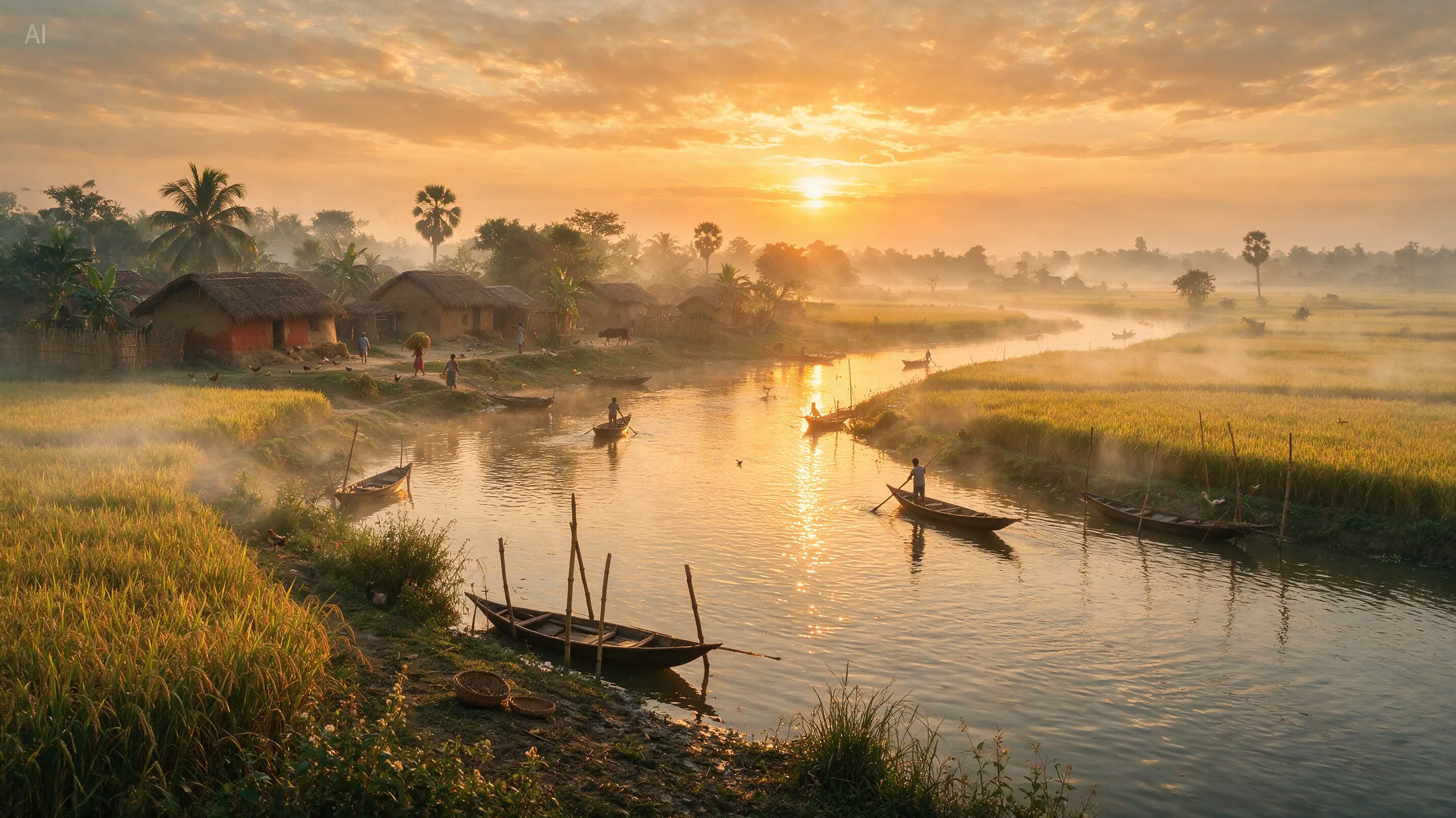
Posters with a clear reading order
Build a campaign around a headline, supporting copy, and a strong focal image. Specify the placement and wording before generating to give each element a clear role.
Turn a detailed brief into a poster, product visual, or realistic scene with Seedream 5.0 Pro. Create from text or refine an image with references, then choose 1K or 2K output for your next project.
From creative brief to finished image
Seedream 5.0 Pro, also known as Seedream 5 Pro, is ByteDance’s image generation and editing model. Its design-oriented capabilities are useful when a visual needs a clear hierarchy, readable text, convincing materials, and carefully placed details.
Build a campaign around a headline, supporting copy, and a strong focal image. Specify the placement and wording before generating to give each element a clear role.
Turn a lesson, process, or comparison into a visual outline. Supply the facts and labels yourself, then use the composition to make relationships easier to follow.
Bring an existing product, portrait, or layout into the brief. Describe the change you want and the details that should remain recognizable across iterations.
Explore lifestyle images with a defined camera angle, light source, surface texture, and atmosphere. These details give a scene more direction than a generic style label.
Create localized poster and illustration concepts with the required wording in the prompt. Review the spelling and reading order before using the final asset.
Use 1K while exploring composition, then select 2K for a more detailed output. This generator supports eight aspect ratios, from portrait posters to wide banners.
Official model showcase
Explore nine official examples across design, illustration, and photography. These images and the hero background come from ByteDance’s model showcase. Open any image to inspect the full composition.
Image source: ByteDance Seedream 5.0 Pro official showcase
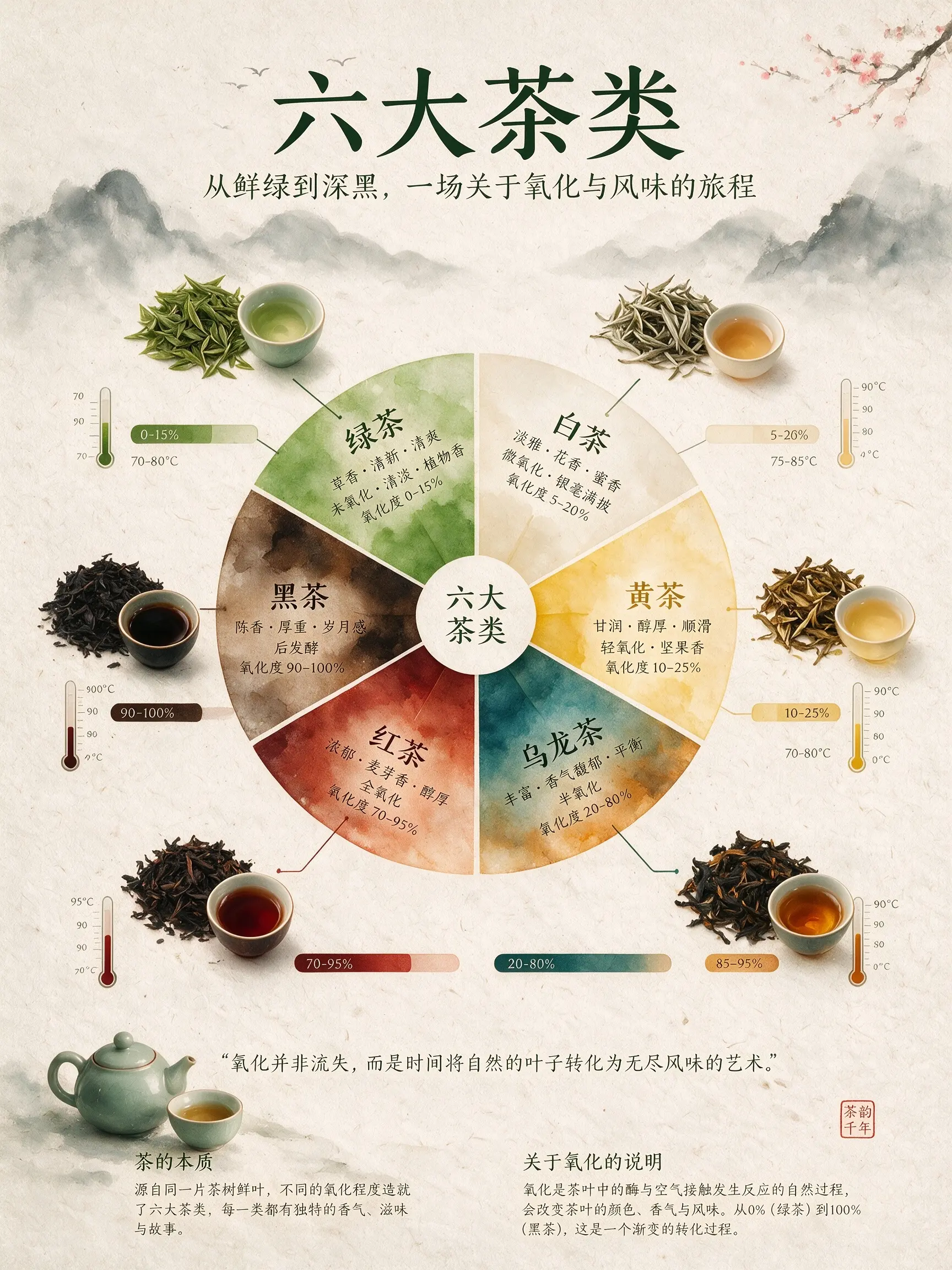
Information design
Compare the central diagram, small illustrations, and surrounding labels. This is a useful reference for planning a visually organized explainer.
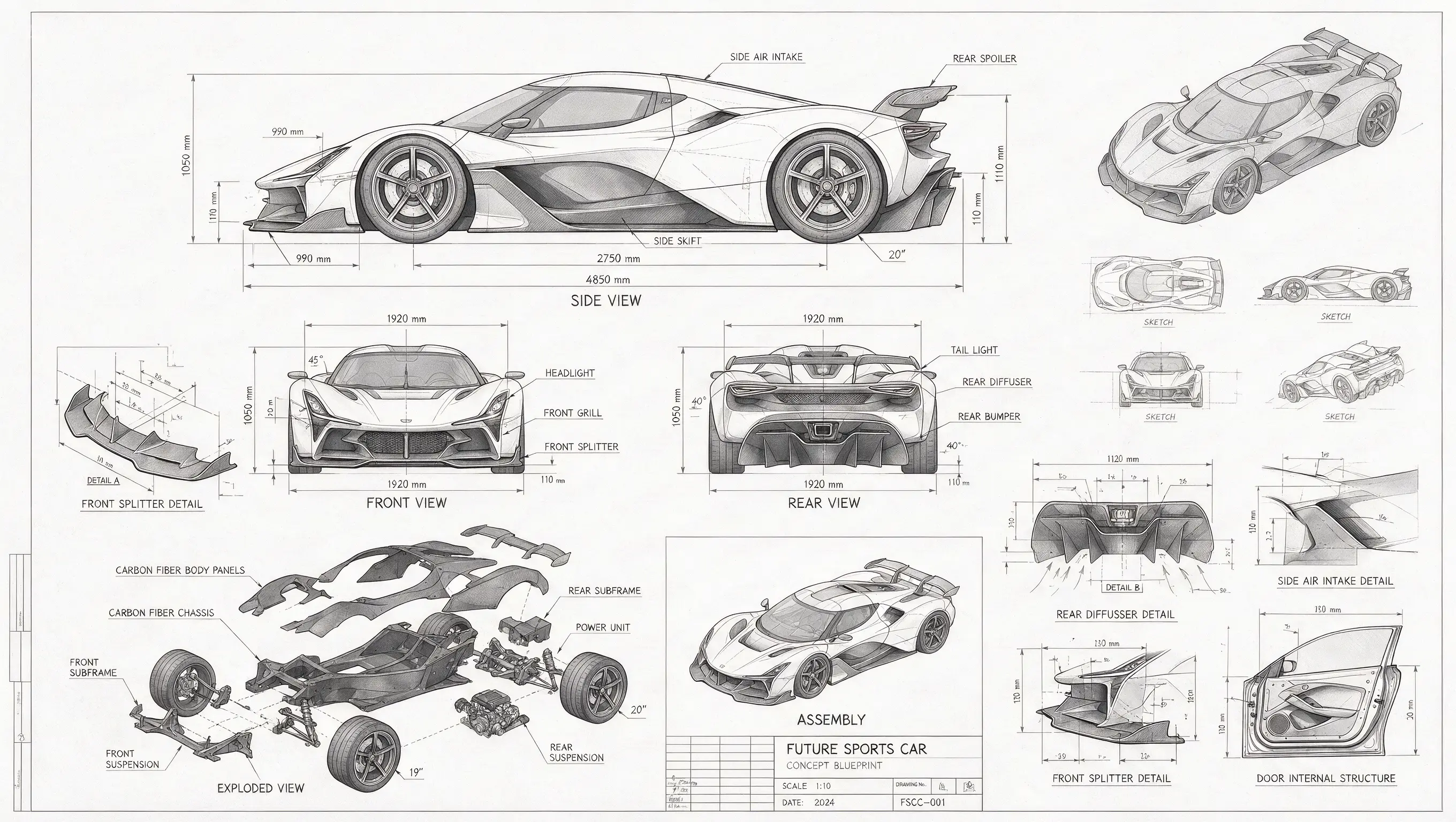
Concept development
Multiple views and component studies bring a product concept onto one page. Treat generated measurements as visual content to verify, rather than engineering specifications.
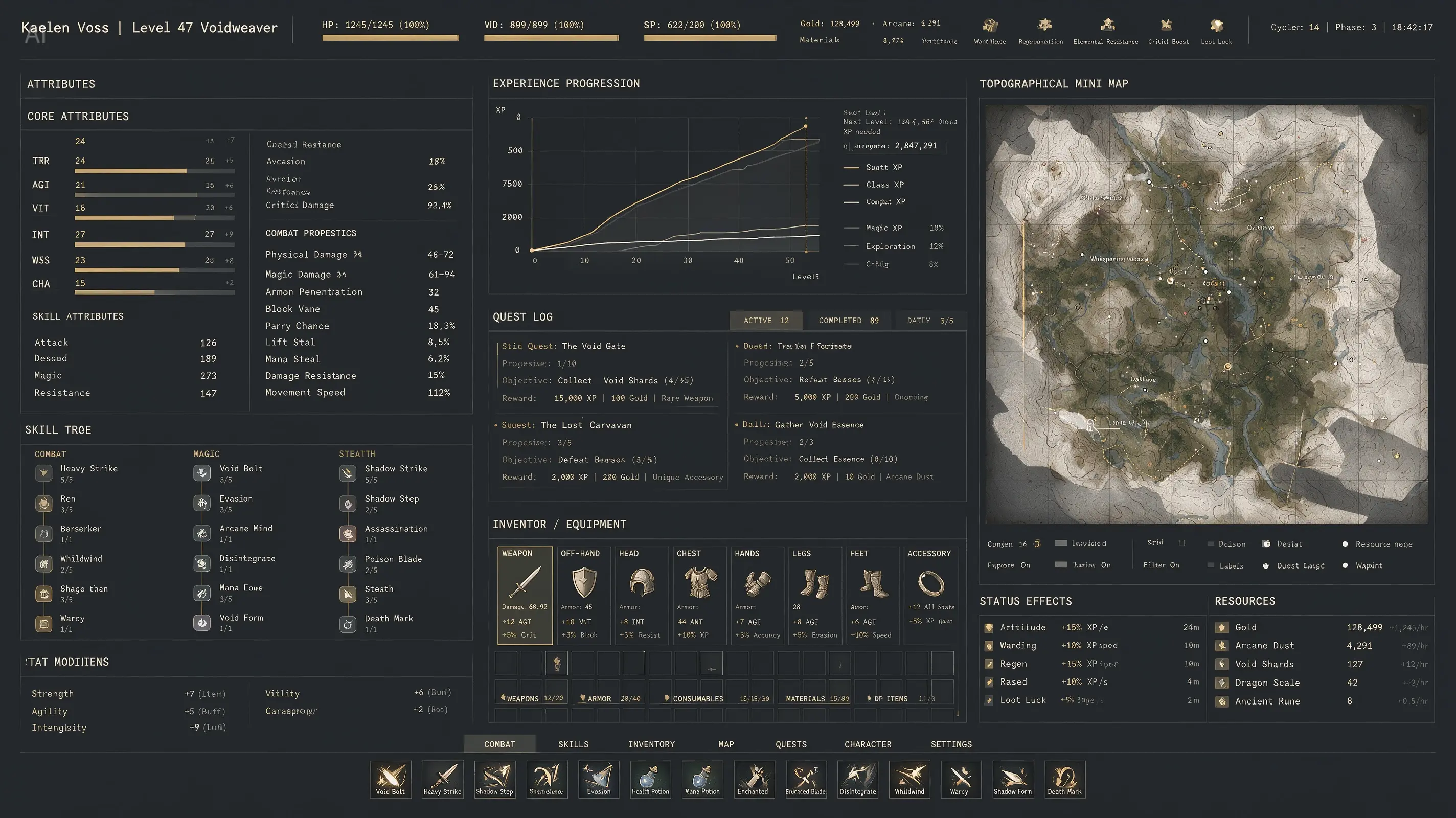
Interface concepts
A dark interface combines maps, data panels, and small labels. Use this kind of visual to explore an interface direction before implementing it.
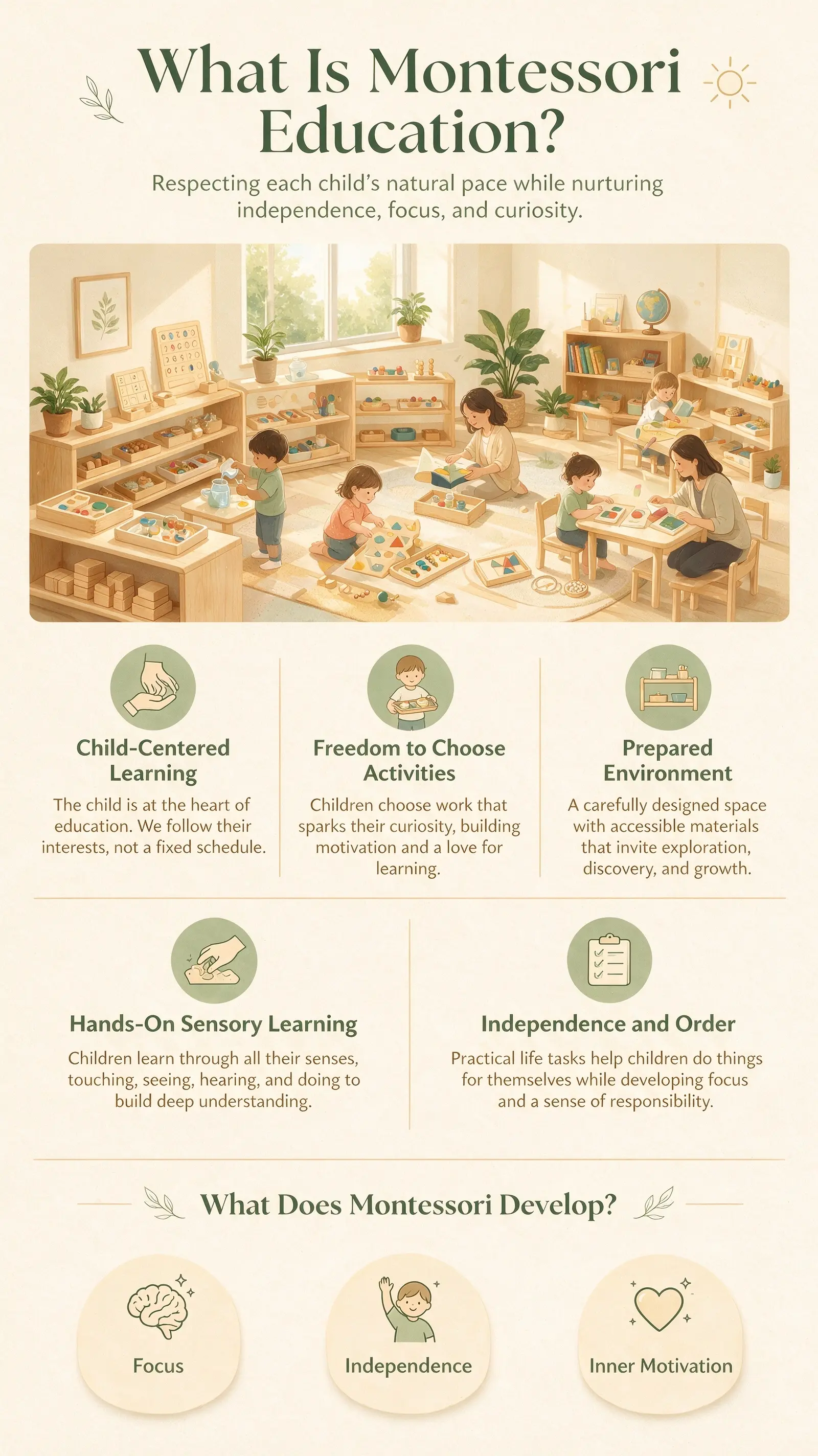
Educational posters
A vertical composition groups short explanations with friendly illustrations. Start by organizing your own teaching points into a small number of sections.
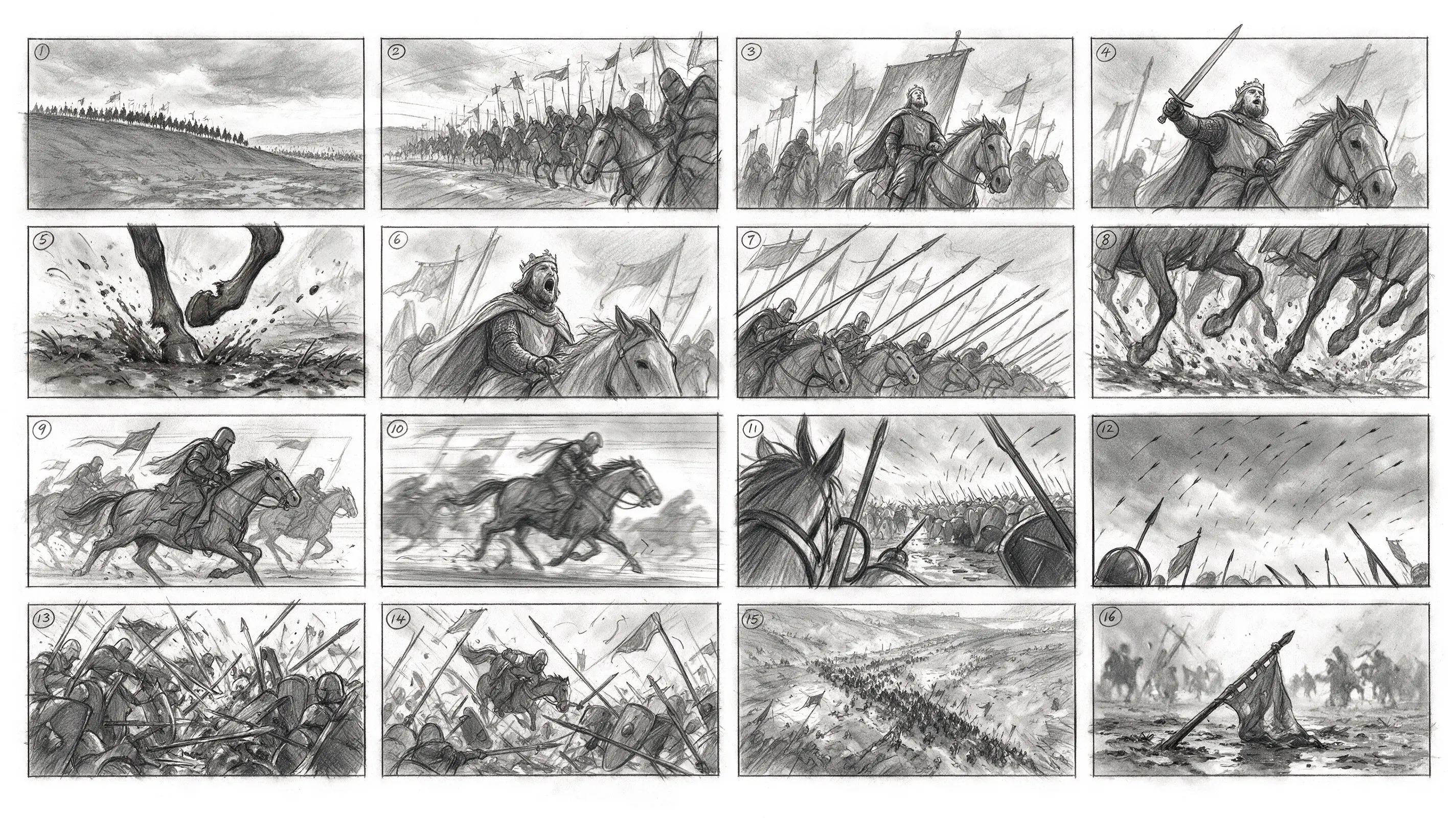
Story planning
A sequence of panels makes camera angles and scene progression easy to compare. This example is one still image containing a storyboard.

Ecommerce design
A product message, button, and expressive subject share a single composition. Use the example as inspiration for an image-based campaign mockup.
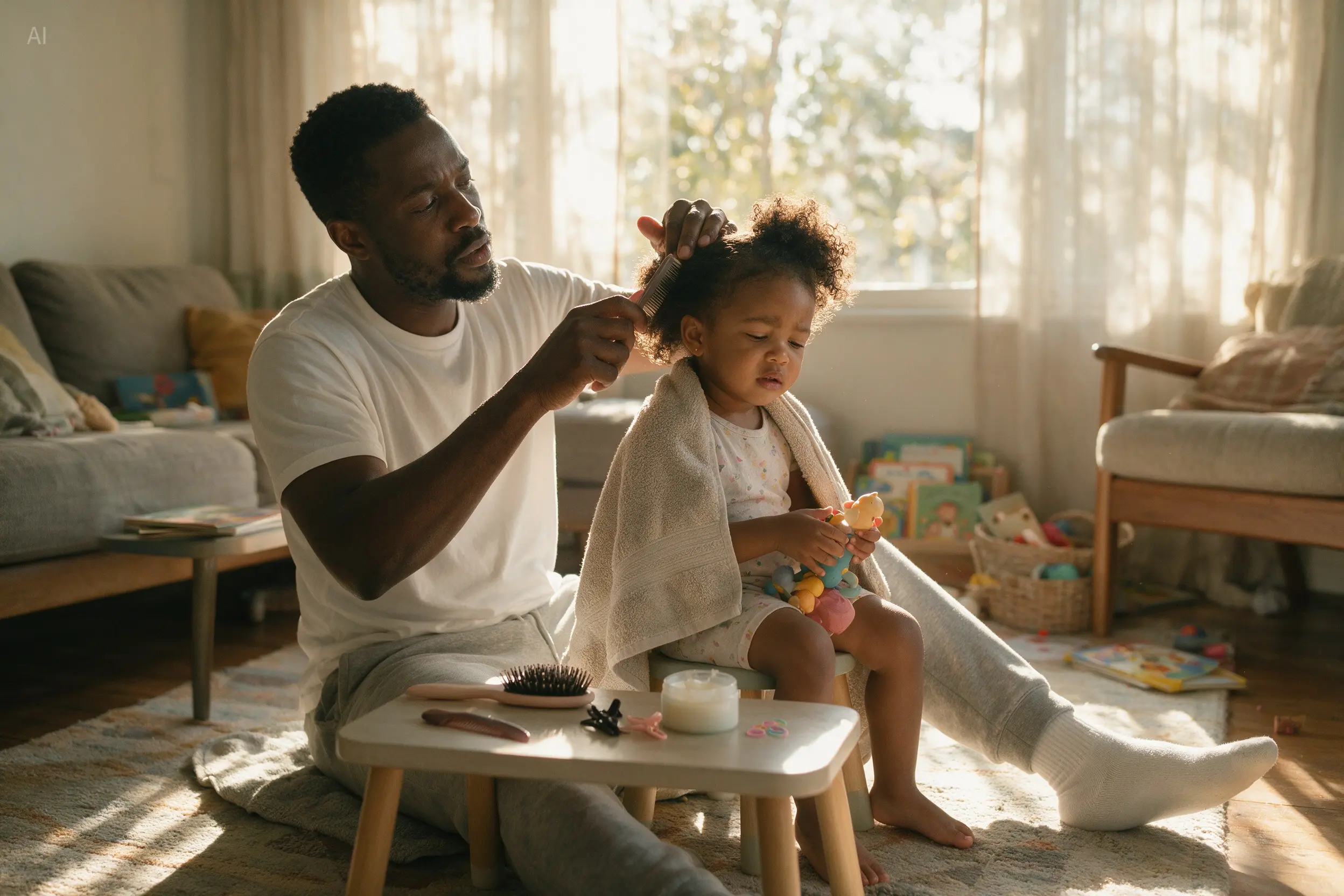
Lifestyle photography
Observe the interaction, interior light, and fabric detail. Describe the relationship between people and their setting when planning a lifestyle image.
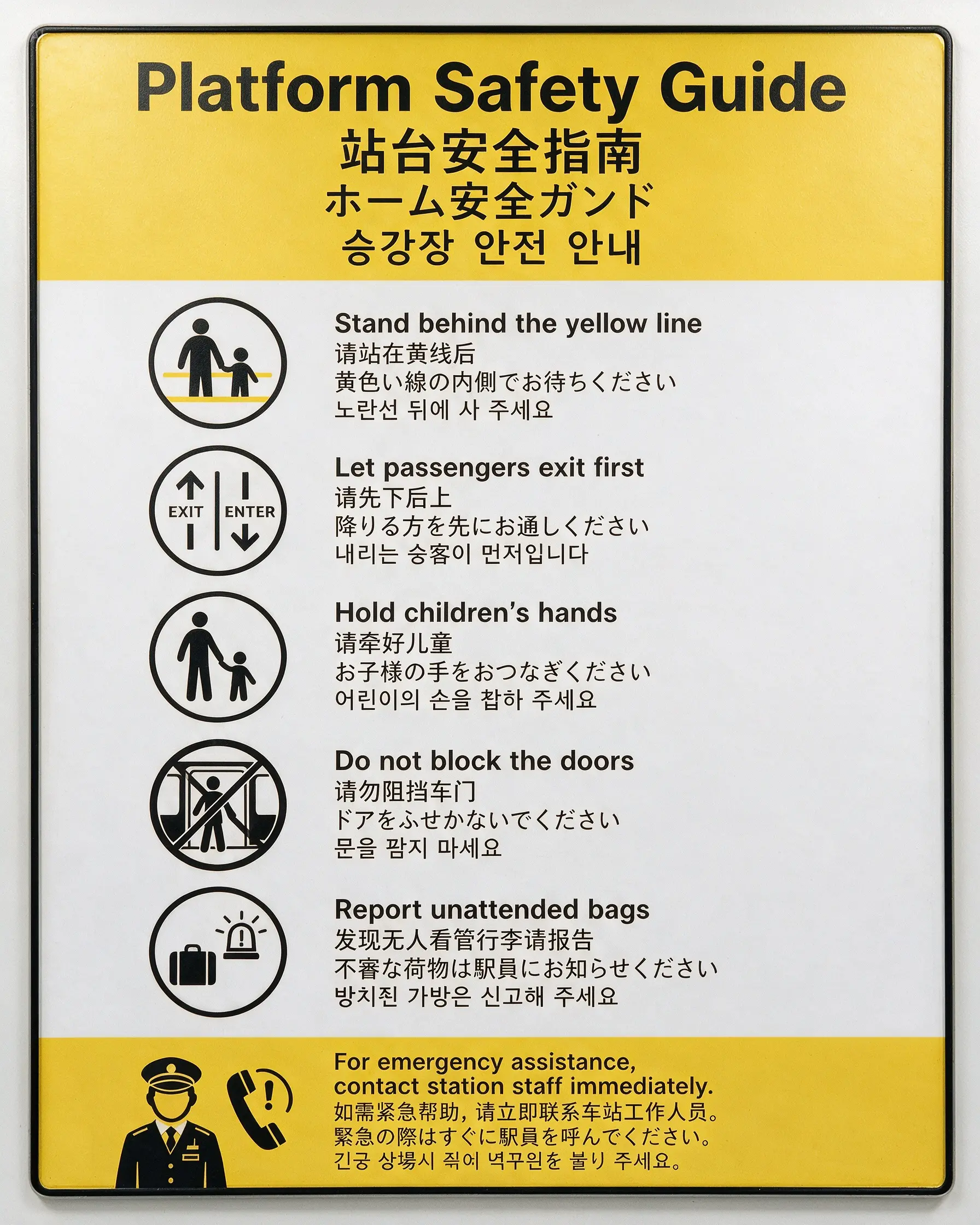
Multilingual layouts
Several languages share one structured layout. For your own designs, provide the exact text and review each language after generation.
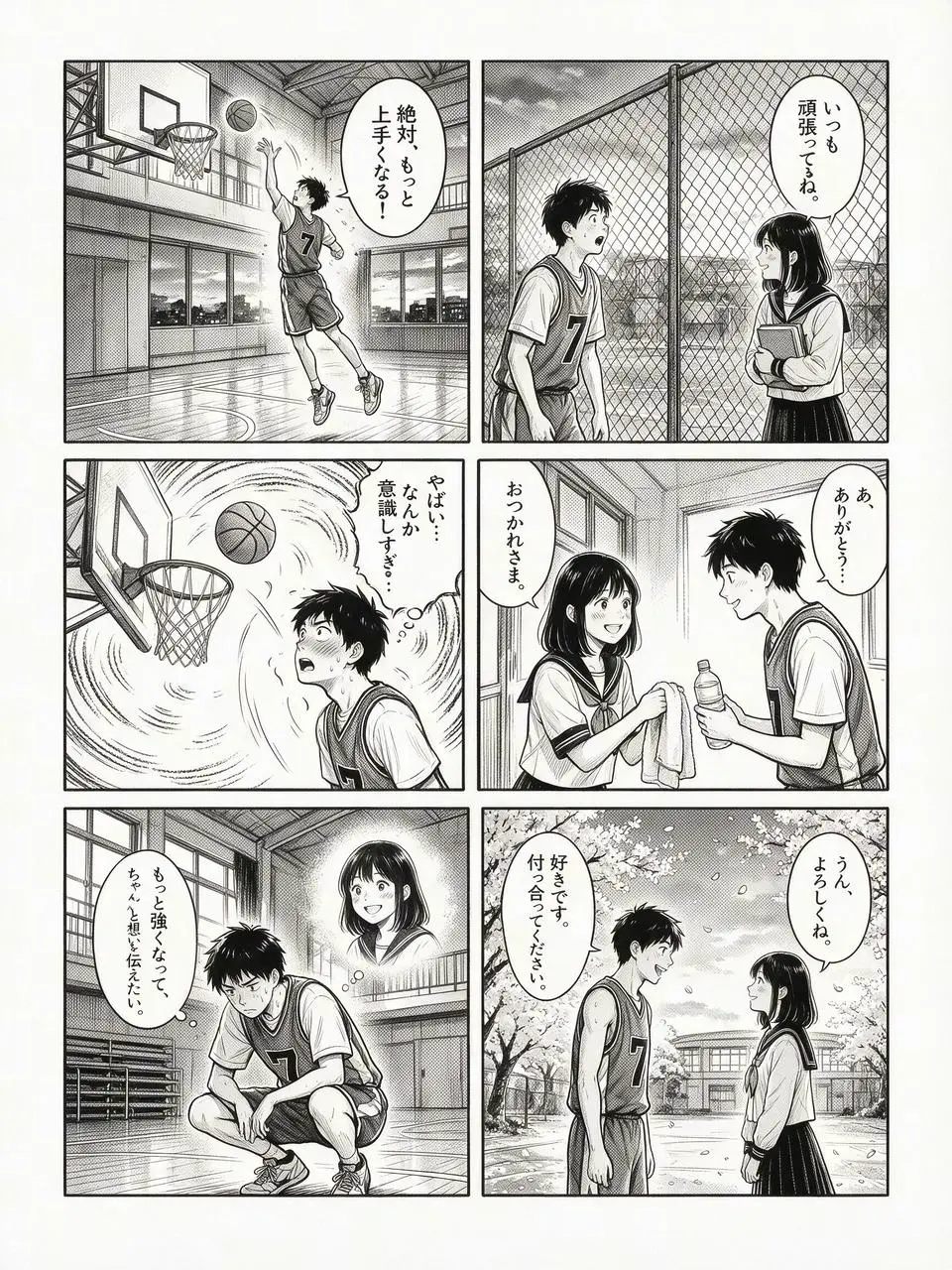
Illustrated storytelling
Character expressions and panel progression carry the story. Define the characters, panel count, and key beats before asking for a comic layout.
Reference image → edited result
These official before-and-after examples show how visual annotations can guide a change. Here, upload a prepared reference and describe the edit in your prompt.
Image source: ByteDance Seedream 5.0 Pro official showcase
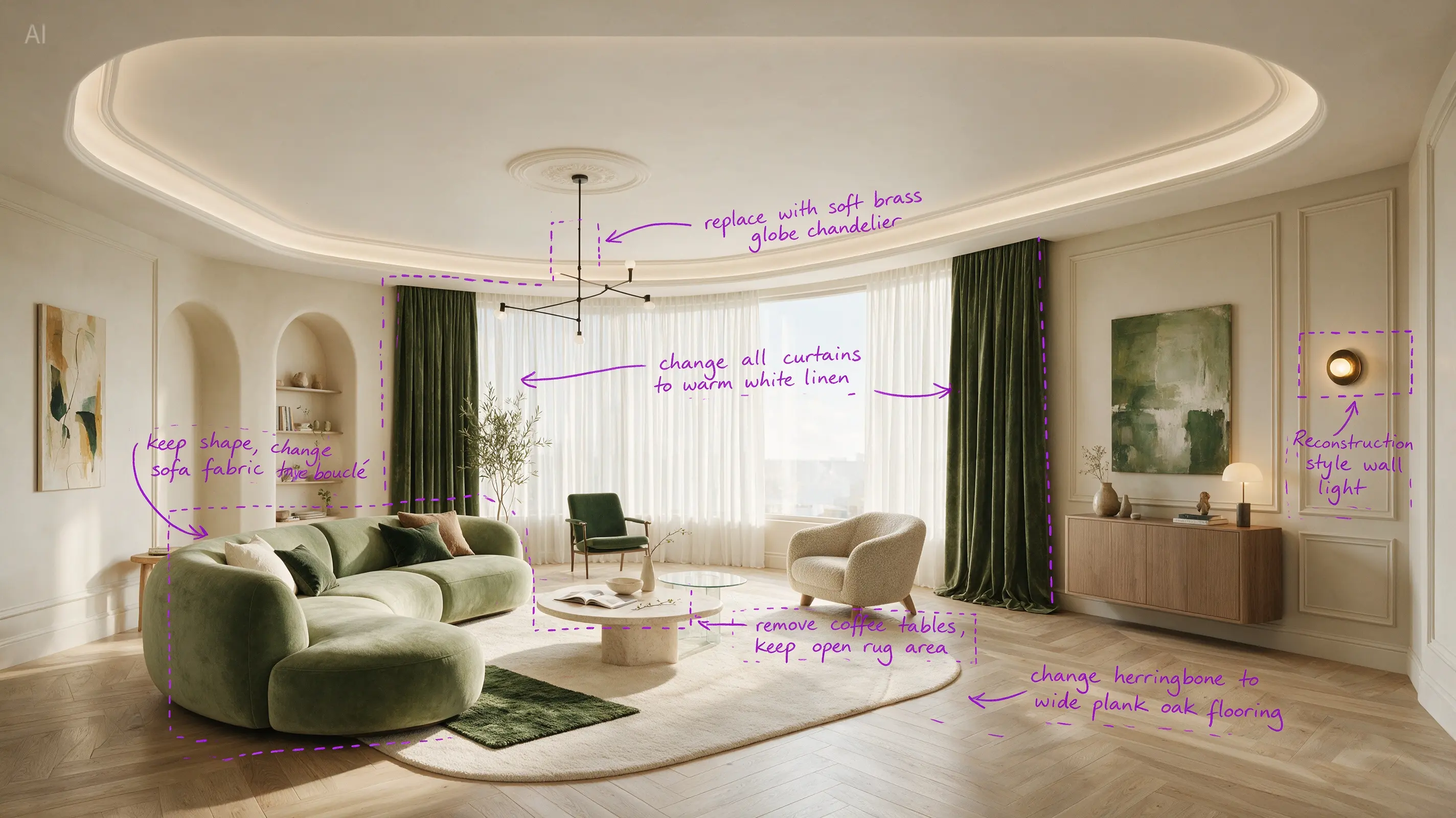
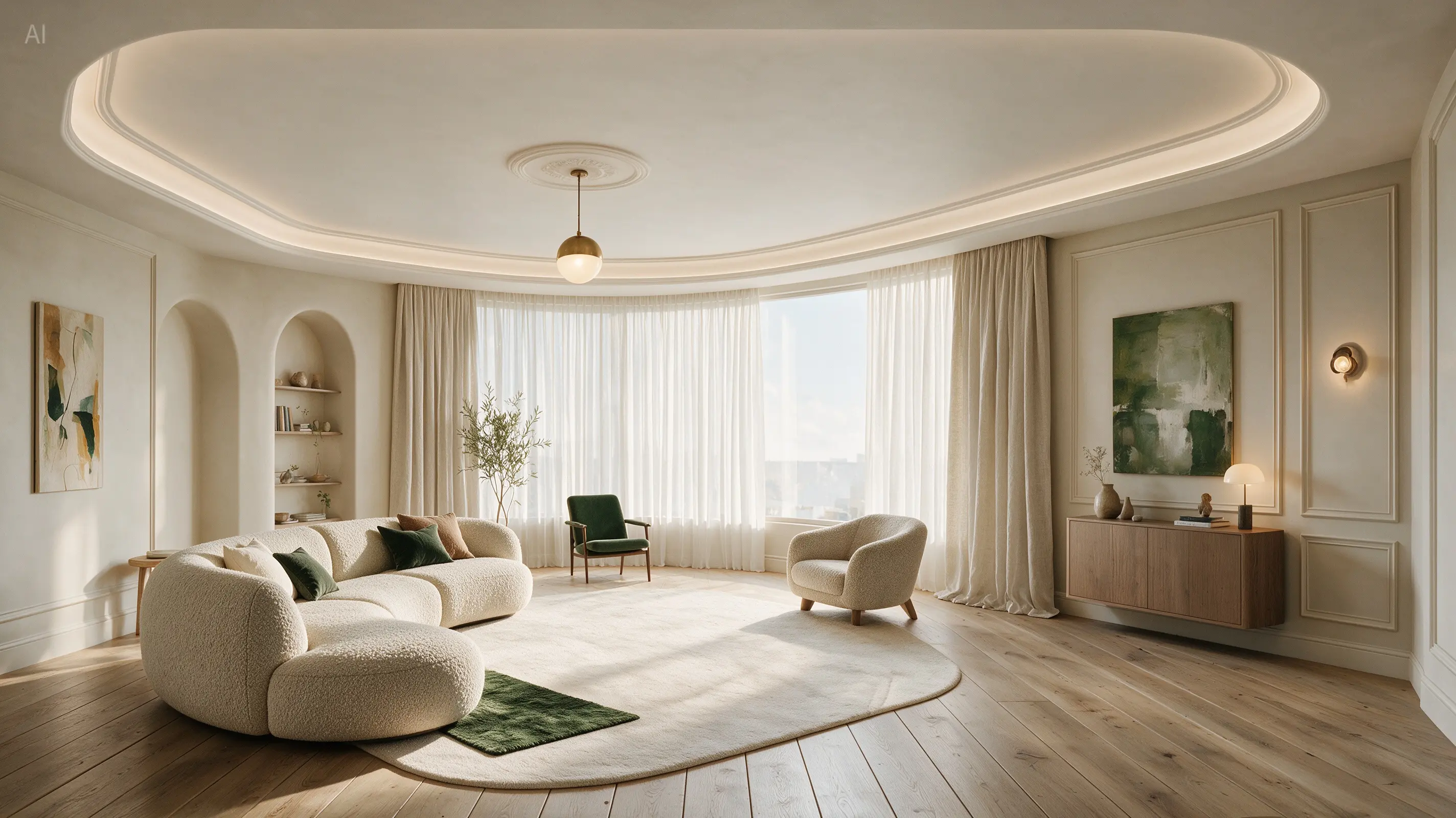
Interior redesign
The annotated room becomes a lighter interior with targeted changes. For a similar brief, identify the furniture, viewpoint, and architectural details you want to preserve.
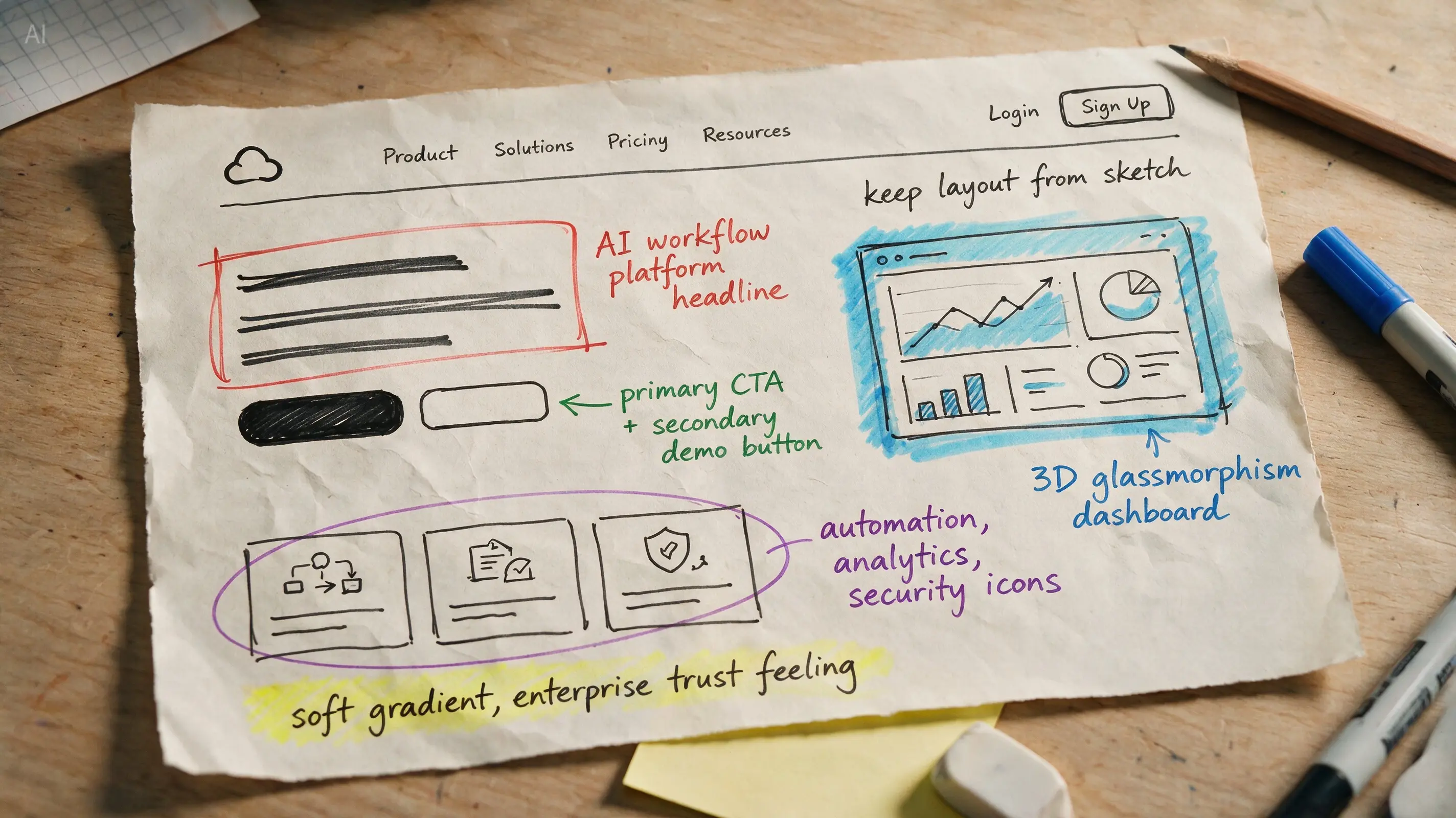
Sketch to design
The sketch establishes the hierarchy before the styling is filled in. Use a prepared wireframe as a reference for a website image concept; the output is a visual, not a functioning webpage.
How to use Seedream 5.0 Pro
The generator above opens with Seedream 5.0 Pro selected. Start with a focused brief and refine the strongest result.
01
Name the asset, audience, subject, and composition. Add exact wording in quotation marks if the image needs a headline or labels.
02
Upload up to 10 JPG, PNG, or WebP images. Explain which reference defines the subject, layout, colors, or style, and which details must stay fixed.
03
Choose an aspect ratio and 1K or 2K output. Plan a portrait poster, square product image, or wide banner for the placement you actually need.
04
Review text, composition, and important product details. Make a focused follow-up edit, then download the image in your selected PNG or JPEG format.
Seedream 5.0 Pro prompt guide
A useful prompt specifies the subject, layout, exact text, lighting, and details to preserve. The example below is an original starting point you can adapt.
Product poster prompt example
Create a 3:4 poster for a handmade ceramic vase. SUBJECT: One cobalt-blue vase on a warm ivory plinth, slightly right of center. If a product reference is attached, preserve its silhouette and surface finish. LAYOUT: Leave the upper third open for the headline. Use generous margins and a small caption beneath the vase. TEXT: Headline “FORM & FIRE”. Caption “Handmade ceramics”. Use simple, readable lettering. LIGHT: Soft daylight from the left, gentle contact shadow, matte paper background. KEEP IT FOCUSED: One vase, no extra products, no additional copy.
Start with the intended use
A product poster, lesson diagram, and comic page need different compositions. Name the deliverable first.
Give every reference a role
State whether an image supplies product identity, a layout, a palette, or a lighting direction.
Quote the exact visible text
Provide the final words and placement, then check the generated lettering at full size.
Separate changes from constants
For editing, say what to replace and what to preserve, including viewpoint, shape, color, or identity.
Plan your generation
Seedream 5.0 Pro works well as part of an iterative process: draft the layout, inspect the details, then refine the selected direction.
A single 1K output starts at 7 credits; 2K starts at 14. The first reference image is included, with 1 extra credit for each additional reference.
Create an imageChoose 1:1, 4:3, 3:4, 16:9, 9:16, 2:3, 3:2, or 21:9. Establish the format before composing small text or tightly arranged diagrams.
Explore image generationThis model requires a paid account. Review the credit estimate in the generator before submitting, especially when adding references or requesting multiple outputs.
View plans and creditsSeedream 5.0 Pro FAQ
Find the practical details before you start your first image.
Seedream 5.0 Pro is ByteDance’s multimodal image generation and editing model. It can create images from text and use reference images to guide new compositions or edits.
Yes. Seedream 5 Pro is a common shortened name for Seedream 5.0 Pro. The generator opens with this model selected.
Yes. Add reference images and describe the desired changes. You can upload up to 10 JPG, PNG, or WebP files, with a maximum of 30 MB per image. Specify what should remain unchanged.
The available output settings here are 1K and 2K. You can choose PNG or JPEG. A 4K option is not available for this model in this generator.
One output costs 7 credits at 1K or 14 credits at 2K. The first reference image is included; each additional reference adds 1 credit per output. Access requires a paid account, and the generator shows the total before submission.
The official showcase includes multilingual posters and illustrated stories. Include the exact text and intended reading order in your prompt, then review spelling, translation, and small labels in the result.
Yes. The gallery, editing comparisons, and hero background use images originally published on ByteDance’s Seedream 5.0 Pro page. They are official demonstrations, not images generated in this site’s workspace.
This page provides text prompts and reference-image uploads. You can upload an already annotated image, but this generator does not currently provide an on-canvas selection tool or separate layer export.
Start with a clear idea
Bring your next poster, product concept, or image edit to life. Add a brief, set the canvas, and start refining.